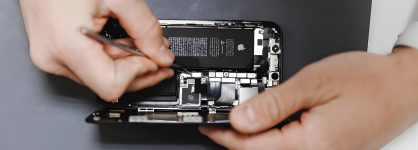
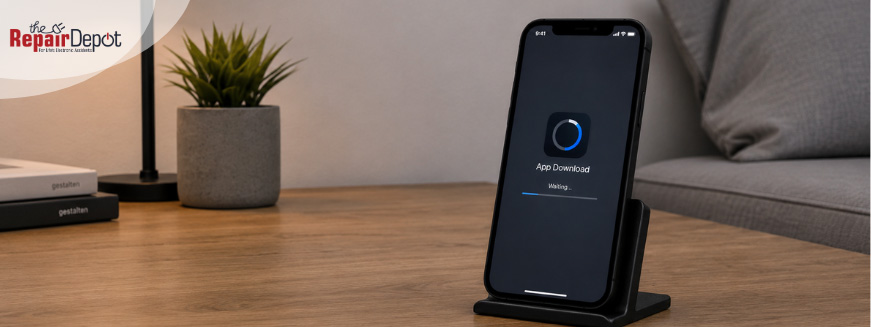
If your apps aren't downloading on your iPhone or the App Store isn’t working, it’s usually due to a few common issues.
Before assuming something serious is wrong, start with these simple checks.
Why Are Apps Not Downloading on my iPhone?
There are a few common reasons why your iPhone won’t download apps:
Weak or unstable internet connection
Problems with your Apple ID
Not enough storage space
Screen Time restrictions
Outdated iOS or temporary App Store glitches
The good news is that most of these can be fixed in just a few minutes. Here’s what to do:
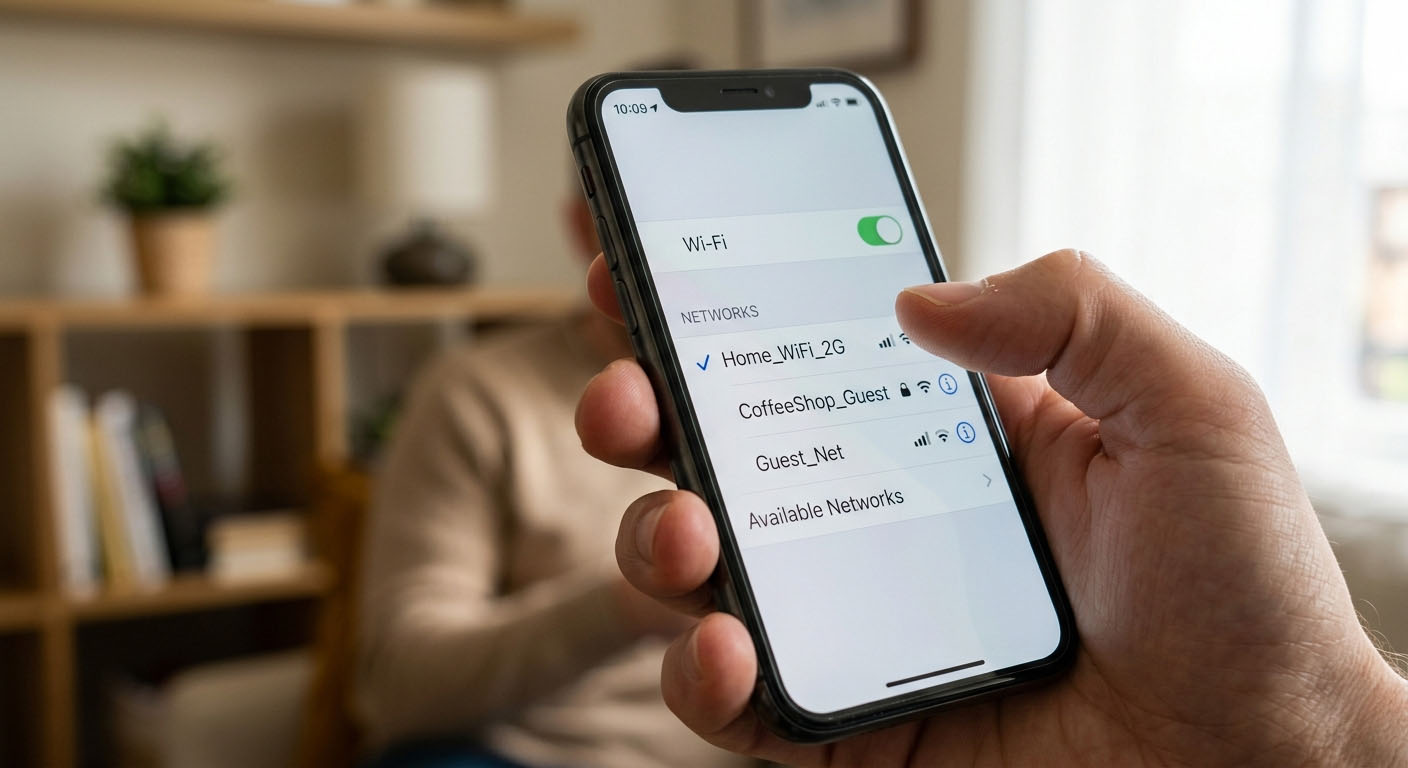
1. Check Your Internet Connection
Before anything else, make sure your connection is stable. A weak Wi-Fi signal or spotty mobile data can stop downloads before they even start.
Try this:
Switch between Wi-Fi and mobile data.
Turn Airplane Mode on and off.
Restart your router.
If the App Store can’t connect properly, downloads won’t start.
X
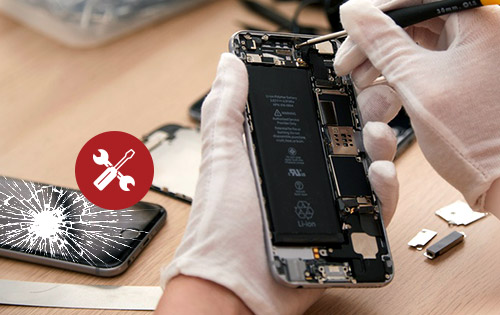
Broke your phone? Don't go broke fixing it.
Affordable Smartphone & iPhone Repair for Cracked Screens + more!
>
2. Make Sure Your Apple ID Is Working
Your Apple ID is required for every App Store download. If something’s off, installs can fail.
Check:
You’re signed in.
Your payment method is valid.
There are no billing issues.
A quick sign-out and sign-in can often resolve account-related problems.
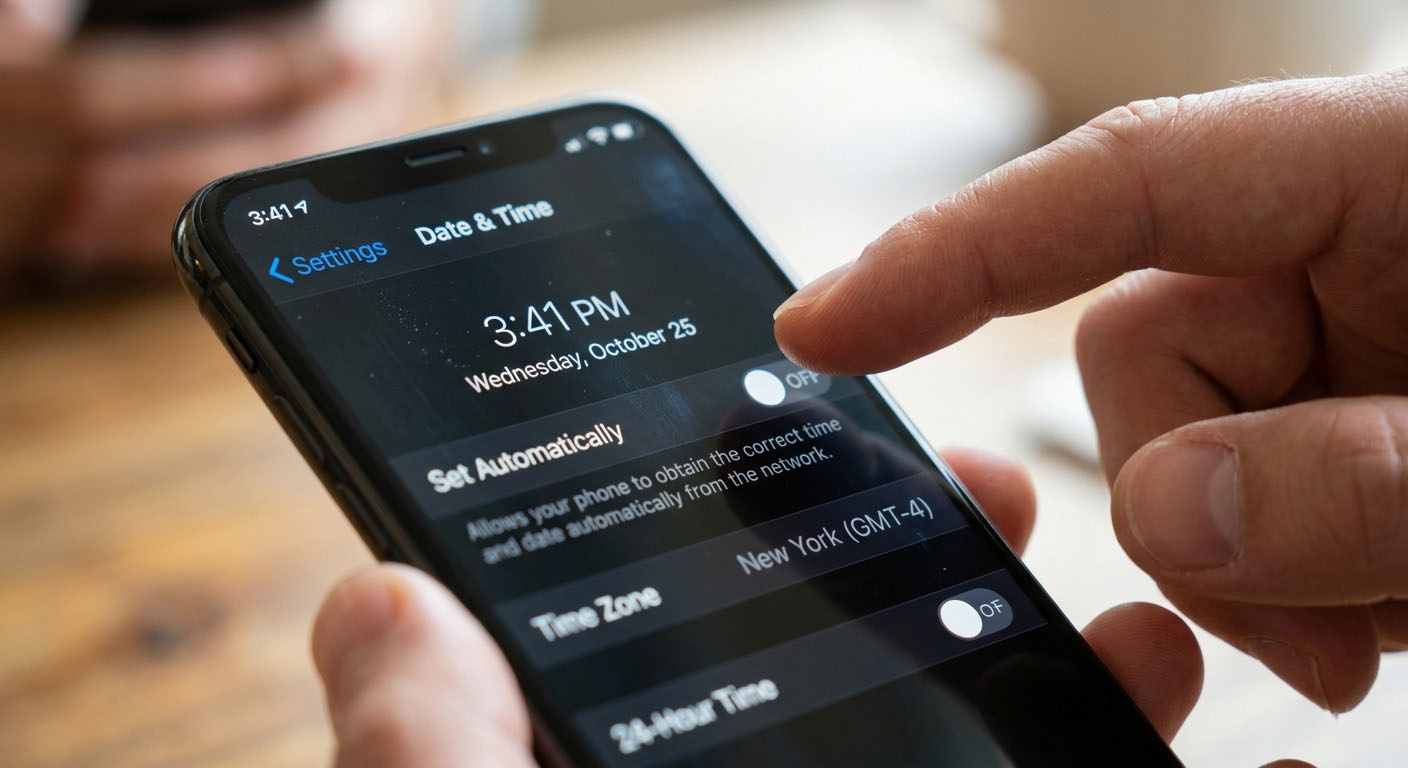
3. Check Your Date and Time Settings
Incorrect date and time settings can also prevent apps from downloading on your iPhone.
Go to: Settings → General → Date & Time.
If your time is set manually or shows the wrong date, update it or turn on Set Automatically.
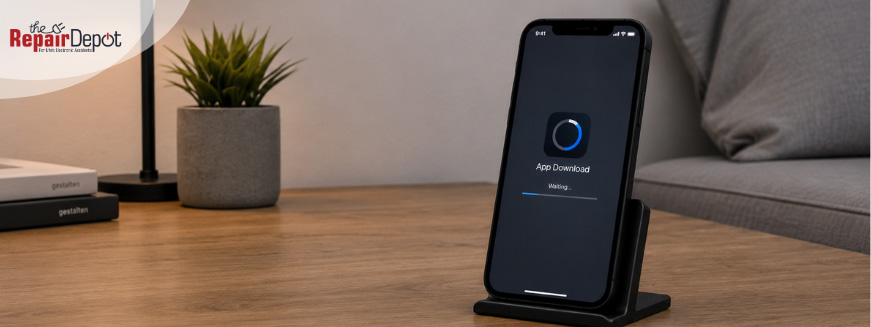
4. Pause and Restart the App Download
If an app is stuck waiting or not progressing, try pausing and restarting the download.
Here’s how:
Go to your Home Screen.
Find the app that’s trying to download.
Tap the app icon to pause the download.
Tap it again to restart.
This can refresh the download process and often gets things moving again.
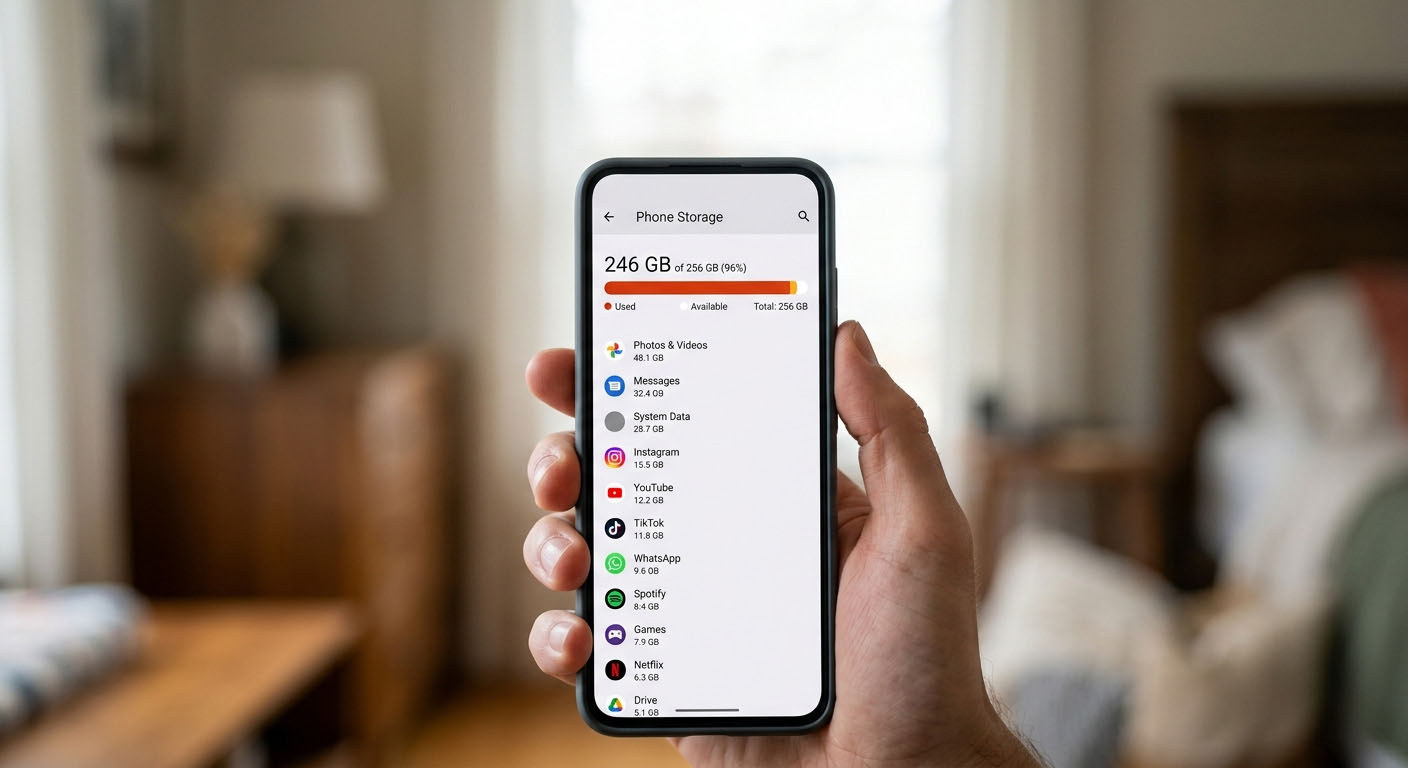
5. Free Up Storage Space
If your iPhone is full, apps won’t install.
Go to: Settings → General → iPhone Storage.
If space is tight, delete unused apps, large videos, or old photos. You don’t need a lot of space; just enough for the app to install.
6. Check Screen Time Restrictions
Restrictions can silently block app downloads, especially on shared or family devices.
Go to: Settings → Screen Time → Content & Privacy Restrictions
Make sure that app downloads are allowed and the App Store isn’t restricted.
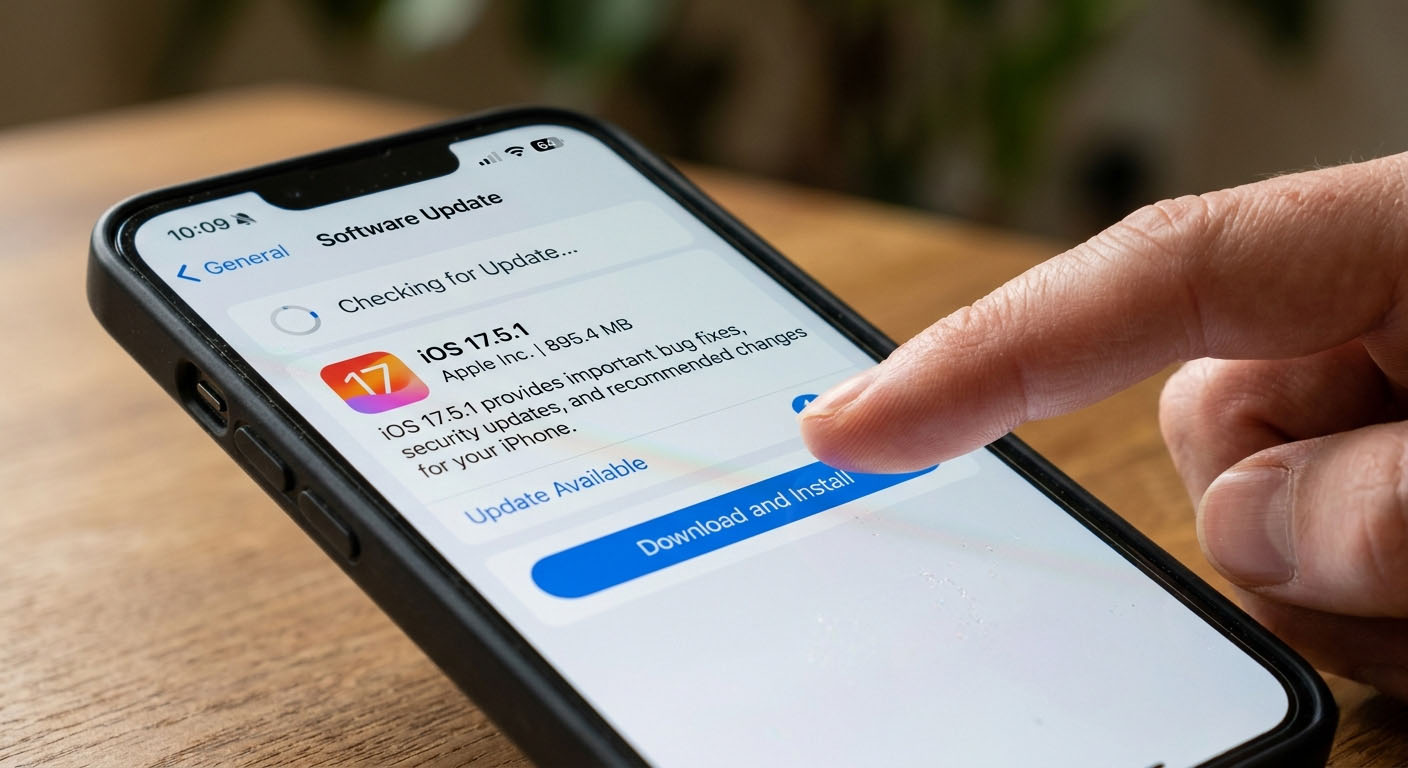
7. Update Your iPhone
Outdated software can cause App Store issues and compatibility problems.
Check for updates: Settings → General → Software Update.
Installing the latest version of iOS can fix bugs and improve performance.
8. Restart Your iPhone
Restarting your device can clear temporary glitches that may be stopping downloads.
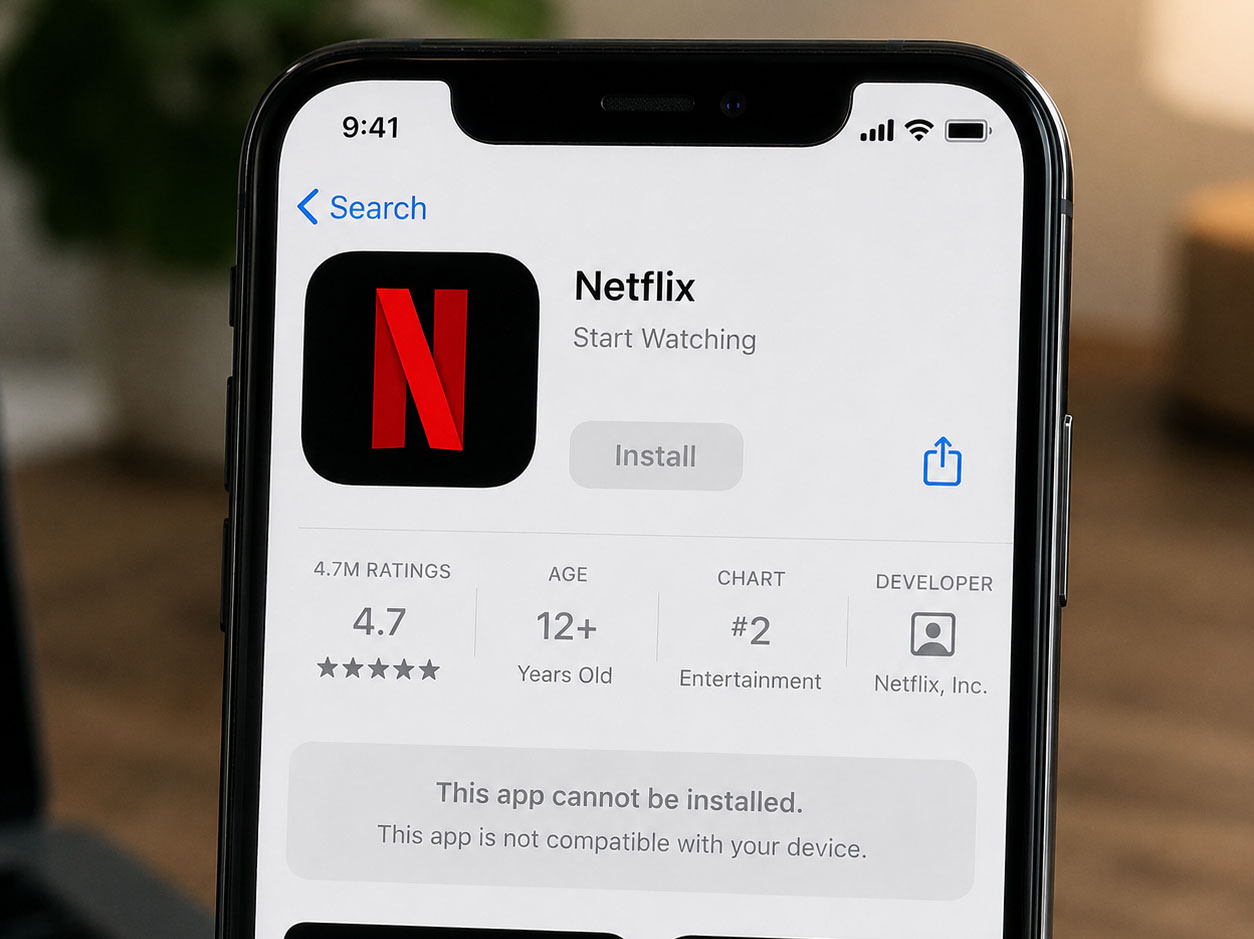
9. Check App Compatibility
Some apps require newer iOS versions or better hardware.
Here’s how to check compatibility:
Open the App Store and find the app you want to download.
Scroll down to the Information section.
Check the required iOS version listed for the app.
Compare that with your iPhone’s iOS version.
If your device doesn’t meet the requirements, the download may not work.
10. Try Again Later
Sometimes, the issue isn’t on your end. The App Store can experience temporary outages or slowdowns. If everything looks fine, wait a few minutes and try again.
FAQs
Why can’t I download apps on my iPhone?
This usually happens due to connection issues, low storage, Apple ID problems, or restrictions in your settings.
Why is the App Store not working on my iPhone?
It could be a temporary glitch, an outdated iOS, or a network issue preventing the App Store from loading properly.
How do I fix apps stuck downloading on iPhone?
Try restarting your iPhone, checking your internet connection, freeing up storage, or signing out and back into your Apple ID.
Need Help with Your iPhone? Get Expert Repair Service
We hope these tips helped you get your apps downloading again. If you’re experiencing other issues with your iPhone, our expert technicians can help identify the problem and fix your device. From cracked screens to fast battery drain, we handle a wide range of repairs to get your device working as it should. Get a free iPhone repair quote to get started!







 1. Check Your Internet Connection

 3. Check Your Date and Time Settings
 5. Free Up Storage Space
 7. Update Your iPhone
 9. Check App Compatibility