A cracked screen is easy to spot. Internal phone damage? Not always.
Internal phone damage sometimes starts showing up through warning signs like overheating, fast battery drain, random restarts, or charging problems. These issues can happen after a drop, water exposure, pressure damage, or even long-term wear and tear.
The problem is that internal damage often worsens over time if left untreated. Knowing the signs your phone has internal damage can help you avoid losing important data or paying for more expensive repairs later.
Here are some of the most common symptoms to watch for after a drop, spill, or liquid submersion.
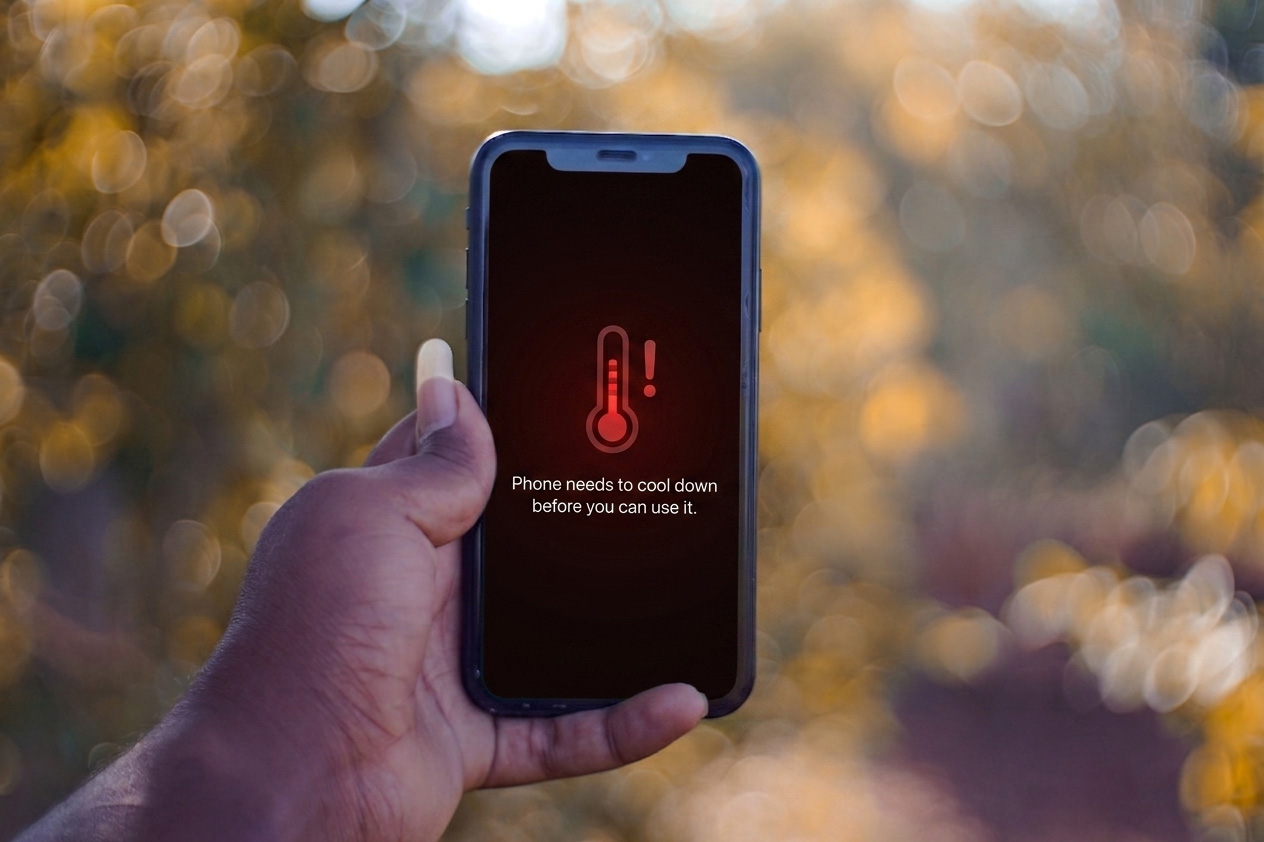
1. Your Phone Overheats Frequently
It is normal for phones to warm up during gaming, streaming, or charging. But if your phone becomes unusually hot during normal use, internal damage could be the cause.
A damaged battery, failing internal components, or water exposure can all lead to overheating. If your phone feels hot even when it’s idle or charging slowly, it’s worth paying attention to.
Ignoring overheating can make the problem worse over time and may even damage other parts of the device.
X
Broke your phone? Don't go broke fixing it.
Affordable Smartphone & iPhone Repair for Cracked Screens + more!
>
2. Battery Drains Much Faster Than Usual
One of the biggest signs of internal phone damage is sudden battery problems.
If your phone used to last all day but now dies within a few hours after physical impact, something inside may not be working properly. Internal damage can affect the battery itself or the components connected to it.
While batteries naturally wear out over time, a sudden change after a drop or water exposure often points to internal damage.
3. Your Phone Randomly Restarts or Freezes
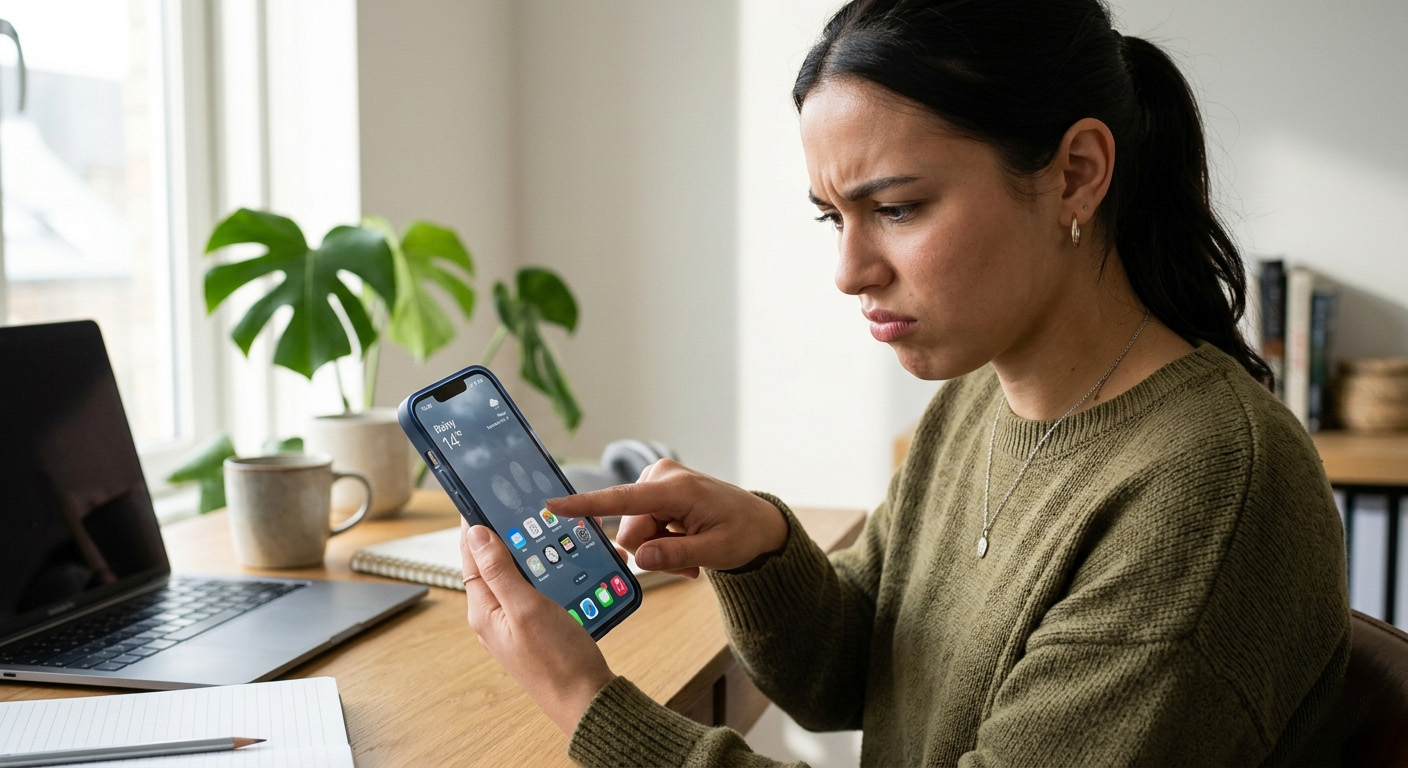
Phones can occasionally glitch, but repeated freezing or restarting is usually a sign of a more serious issue.
Internal damage can affect the motherboard, memory, or battery connections. When this happens, your phone may restart without warning, freeze during simple tasks, or crash when opening apps.
If the issue started after dropping your phone or exposing it to moisture, internal damage becomes much more likely.
4. Your Screen Flickers or Stops Responding
Not all screen problems come from visible cracks.
If your display flickers, shows lines, dark spots, discoloration, or becomes unresponsive, internal connections may be damaged. This can happen after a hard drop, pressure damage, or liquid exposure.
You may also notice ghost touch (the screen responds on its own), delayed typing response, or parts of the screen not working.
Even if the screen glass looks fine, there could still be damage underneath.
5. Your Phone Suddenly Has Sound Issues
Internal damage can affect your speakers, microphone, or audio connections.
You may experience muffled or distorted sound during calls, crackling speakers, the microphone not picking up sound properly, or audio cutting in and out.
This is especially common after water exposure, accidental drops, or dust buildup inside the device.
6. Your Camera Stops Working Properly
Your camera system relies on delicate internal parts that can be damaged by impact or moisture.
If you notice blurry photos, camera shaking or vibrating, or a black screen when opening the camera app, internal camera components might be damaged.
Sometimes people assume that this is due to a software problem, but hardware damage is often the real cause.
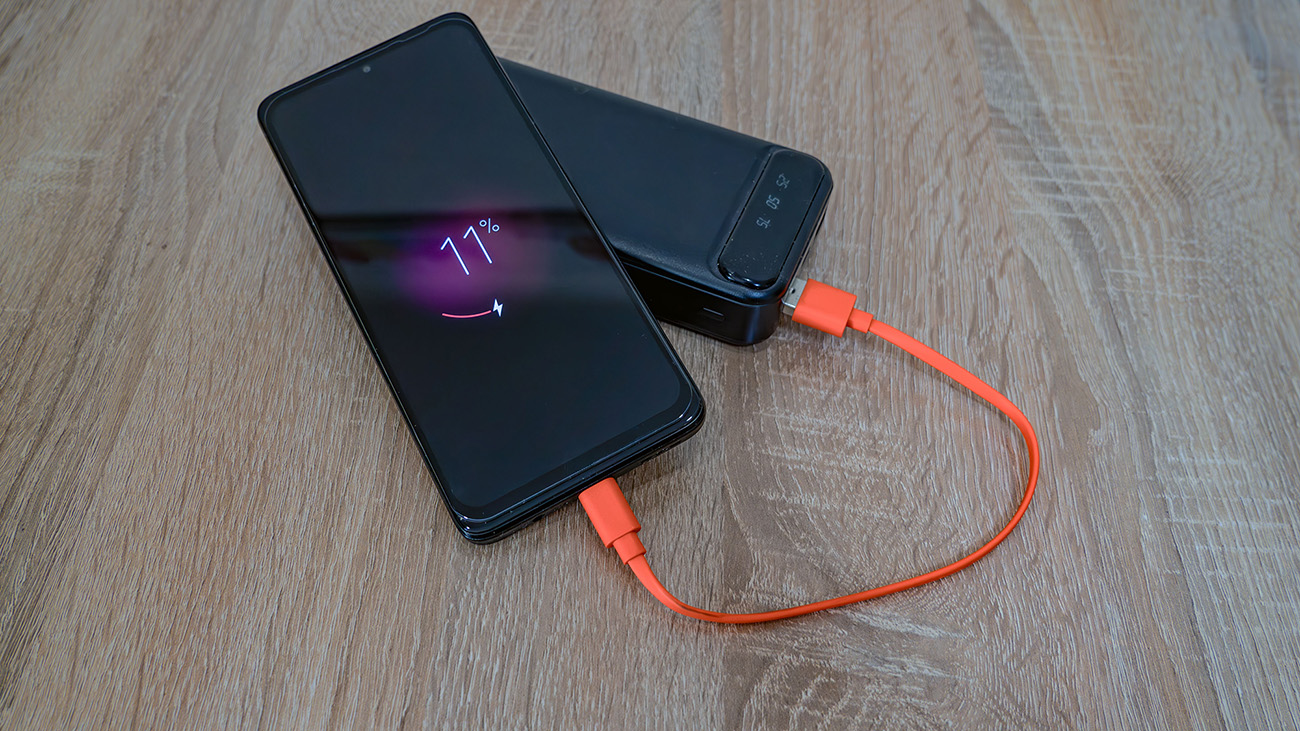
7. Your Phone has Charging Issues
If your phone suddenly becomes difficult to charge after a drop, internal damage may be affecting the charging system.
You may notice that charging only works at certain angles, the phone charges extremely slowly, or wireless charging no longer works.
Sometimes the issue is simply dust or debris in the charging port. But if cleaning the port does not help, the problem may be damaged internal components.
8. Your Phone has Weak Signal or Connectivity Problems
If your phone struggles to stay connected to Wi-Fi, Bluetooth, or mobile networks, internal hardware damage may be affecting the antennas.
Issues like frequent signal loss, Wi-Fi disconnecting randomly, or Bluetooth failing to connect often appear after drops.
FAQs
Can dropping your phone cause internal damage?
Yes. Even if your phone looks fine on the outside, drops can damage internal components like the battery, motherboard, camera system, or charging connections. Internal phone damage after a drop may lead to overheating, screen issues, charging problems, or random restarts.
How do you know if your phone has water damage?
Common signs of water damage include screen flickering, muffled sound, charging issues, fog inside the camera lens, and random glitches. In some cases, symptoms may appear days after the phone was dropped in water.
Can internal phone damage get worse over time?
Yes. Small internal issues can gradually become more serious if ignored, especially when related to batteries, water exposure, or damaged internal connections.
How can I tell if my phone battery is damaged?
A damaged battery may drain unusually fast, charge inconsistently, shut off unexpectedly, or cause the phone to overheat. In some cases, you may also notice battery swelling or sudden drops in battery percentage during normal use.
Can internal phone damage be repaired?
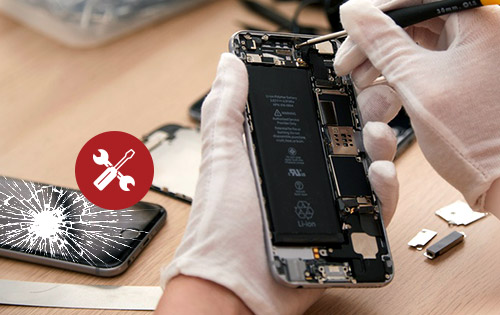
Some types of internal phone damage can be repaired, including issues with the battery, screen, charging port, and speaker. More severe motherboard damage may be more difficult or expensive to fix.
Phone Showing Signs of Internal Damage? We Can Help!
If you suspect your phone has internal damage after a drop or water exposure, don’t wait for the problem to get worse. Issues like overheating, battery drain, charging problems, or random restarts can become more serious over time if left unchecked. Professional phone repairs can help identify hidden damage and get your device working properly again. Get your free phone repair quote to get started!






 1. Your Phone Overheats Frequently

 3. Your Phone Randomly Restarts or Freezes
 5. Your Phone Suddenly Has Sound Issues
 7. Your Phone has Charging Issues