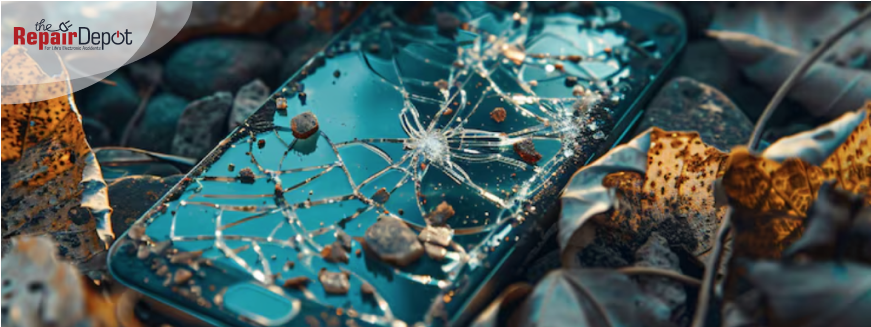
From accidental drops to unexpected slips, many people experience broken phone screens daily. Whether it's a tiny crack in the corner or a shattered screen, it can be frustrating, even if your phone is still working.
But don't panic. We will guide you through the steps to take after accidentally cracking your phone screen.
Check for Damage (Beyond the Glass)
Most people focus just on the glass when they drop their phone and crack its screen, but that's not the only thing that could be damaged. A hard drop can affect other components, too.
Here's what to check:
Can you still see the screen clearly, or are there dark spots, flickering, or discolored lines?
Is the touchscreen responsive when you tap or swipe?
Are the buttons, camera, speaker, and charging port okay?
Sometimes, a cracked screen is only surface-level damage. Other times, it can lead to deeper issues like touchscreen glitches, ghost typing, or water vulnerability.
Use a Temporary Solution to Prevent Further Damage
If the display still works and the crack isn't too bad, a temporary fix can buy you time while you figure out your next move.
Apply a screen protector or clear packing tape. This can keep glass shards from falling out and protect your fingers from cuts.
Put your phone in a sturdy case if it isn't already. Grab one with raised edges to minimize additional damage.
Avoid pressing hard on the screen. This can worsen cracks and damage the touchscreen.
These temporary solutions won't fix your screen, but they'll help prevent more damage and keep your fingers safe. However, if the cracks are severe to begin with and your phone is not working as it should, it's best to stop using it until you get it fixed. Learn how to prepare your phone for repair.
X
Broke your phone? Don't go broke fixing it.
Affordable Smartphone & iPhone Repair for Cracked Screens + more!
>
Back Up Your Data Right Away
Cracked phone screens often lead to more severe issues over time, especially if moisture or dust gets in. If your device is still functional, back up your photos, contacts, and important files right away before the damage spreads or your screen becomes unresponsive.
How to back up your phone:
iPhone: Use iCloud or connect to your Mac/PC using iTunes or Finder.
Android: Use Google Drive, or connect your phone to your computer via USB.
Backing up ensures you don't lose anything important if your phone stops working entirely.
Try to Avoid DIY Phone Screen Repair
It might be tempting to order a repair kit and fix it yourself after watching a few tutorials online, but be careful. Replacing a phone screen at home is much harder than it looks, and even one small mistake can permanently damage your device.
So, unless you really know what you're doing, it's best to leave it to the pros. Professional repair services have the tools, training, and parts to get the job done right. See why you shouldn't try to repair your phone yourself if you don't have the right experience.
Check If Your Phone Is Under Extended Warranty or Insurance
Before paying out of pocket for repairs, check to see if you're already covered. Standard warranties usually don't cover accidental damage like cracked screens, but some extended service plans do. Phone insurance typically covers accidents like cracked screens, so if you've purchased coverage through your carrier or a third-party insurer, you'll likely need only to file a claim and pay a small deductible to get your screen fixed.
If you're unsure, contact your phone carrier, retailer, or insurance provider to check your options – you could save a lot on repairs.
Compare Repair vs. Replacement Costs
When dealing with a cracked screen, you've got two options: get a new phone or fix the one you have. If you have phone insurance covering cracked screens, this is an easy decision – you can get your screen fixed without breaking the bank. But, if you don't have coverage, your decision should depend on a few key factors like how bad the damage is, how old your phone is, and what the repair will cost.
Repairs are usually cheaper than replacement when your phone is new or relatively new, and especially if you have insurance. But if your phone is a few years old or sluggish and the repair is going to cost more than half the value of the phone, replacing it may make more sense.
Why It's Worth Repairing a Cracked Phone Screen
If your phone is new or still in great condition, fixing the screen is often worth it. A repaired screen makes your phone easier to use, looks way better, and can help you avoid more serious issues down the road like water getting in through the cracks or complete display failure. Plus, if you ever decide to sell or trade in your phone, having a flawless screen can boost its value.
Swipe safely again – repair that cracked screen!
Looking for a trusted phone repair shop to repair your cracked screen? The Repair Depot specializes in repairing all major smartphone makes and models, including Apple iPhone, Samsung Galaxy, and Google Pixel. Get your free repair quote to start your repair process today!
If you have experience in fixing phones and are comfortable doing it yourself, you can order the exact screen you need to repair your device. Our experts can even help you find the correct one! The Repair Depot offers high-quality parts for a wide range of smartphone brands at affordable prices. Get your free parts quote to start your order!






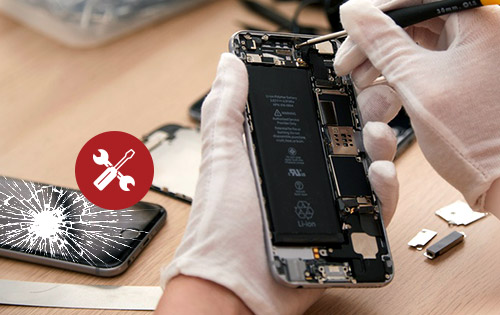

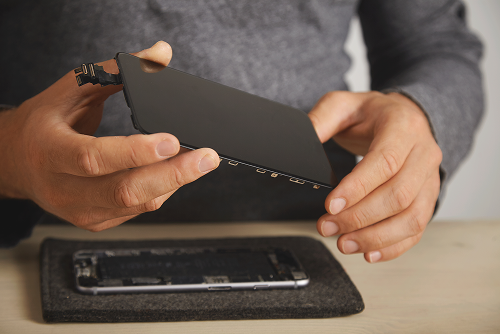 It might be tempting to order a repair kit and fix it yourself after watching a few tutorials online, but be careful. Replacing a phone screen at home is much harder than it looks, and even one small mistake can permanently damage your device.
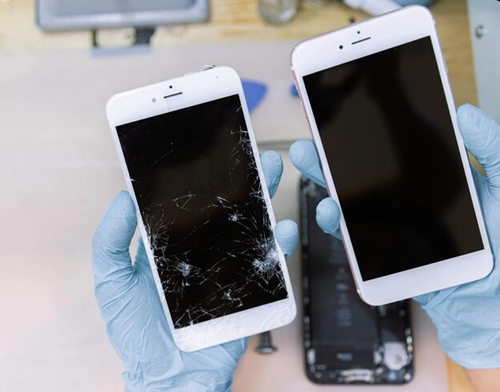 Compare Repair vs. Replacement Costs