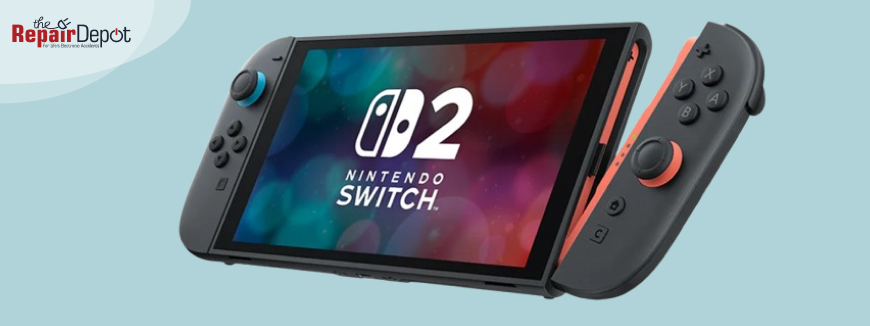
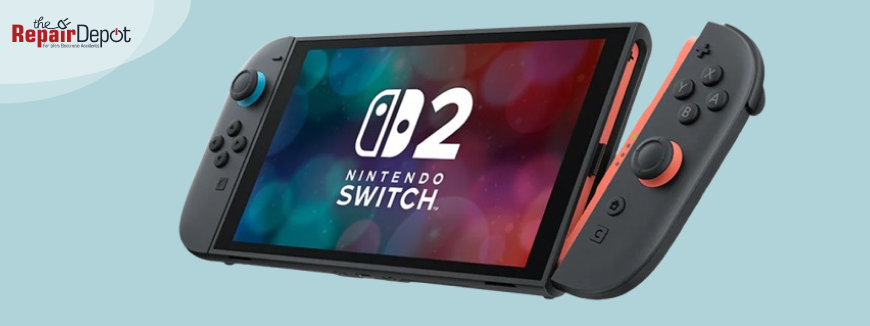
The Nintendo Switch 2 made a strong debut on June 5, 2025, with fans lining up to get their hands on the next-generation console. Boasting sharper visuals, better performance, and redesigned magnetic Joy-Cons, the launch has been widely considered a success, with more than 3.5 million units sold worldwide in the first four days.
However, as the first wave of units landed in players’ hands, a few early issues began to emerge. From damaged screens to controller drift, some users are already encountering problems – some unexpected, while others are all too familiar. Here’s a look at the main Switch 2 issues buyers are reporting and what to keep an eye on.
Punctured Screens from Stapled Packaging
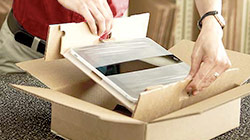
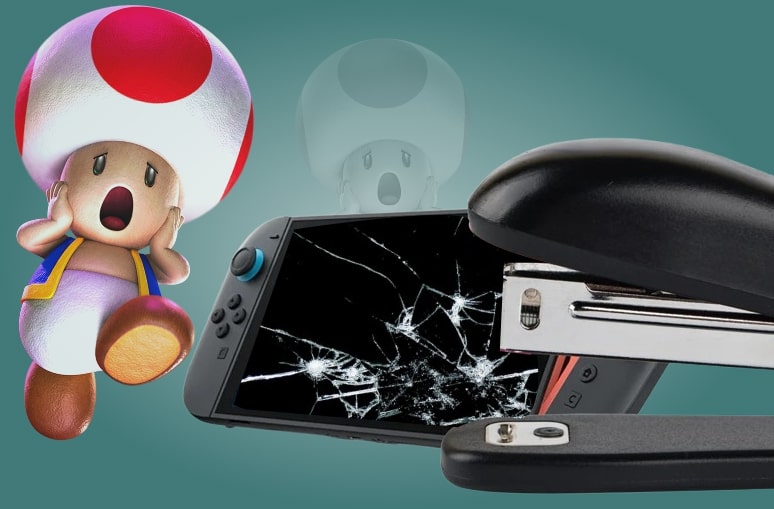
One of the most unexpected problems came not from the console itself but from how it was packaged. Some customers who bought the Switch 2 at a NY GameStop store discovered that their consoles had damaged screens caused by staples. Namely, employees stapled receipts to the Switch 2 box, accidentally piercing the packaging—and, in some cases, damaging the screen inside.
GameStop quickly addressed the problem and removed staplers from their point-of-sale areas. Damaged units were replaced immediately. While this appears to be an isolated incident, it highlights how fragile the Switch 2’s packaging can be and why it’s worth opening your box before leaving the store.
Joy-Con Drift Is Back
Despite a redesign, early buyers have reported that the Joy-Con 2 controllers are already experiencing drift —a problem where the joystick registers movement even when it is not being touched.
Although the new Joy-Cons attach magnetically and feature some mechanical improvements, they still rely on the same underlying technology as the original: potentiometer-based sensors. Nintendo is offering free replacements, but the recurrence of this issue so soon after launch has raised concerns about long-term reliability.
Rapid Battery Drain & Misreporting
Battery life is also under scrutiny. Some Switch 2 owners are experiencing faster-than-expected battery drain, particularly during sleep mode or when playing games with high display brightness. Others report inaccurate charge levels—with consoles suddenly shutting off despite showing 20–30% battery remaining.
Nintendo has acknowledged these complaints and recommended steps to fix the issue. According to Nintendo, the Switch 2’s battery should last between 2 and 6.5 hours, depending on how the console is used.
Screen Scratches Easily
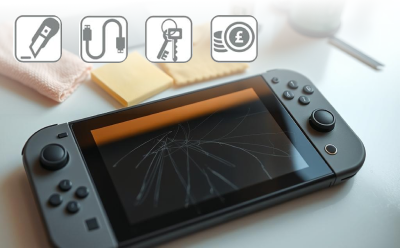 One of the more surprising discoveries from early testing is how easily the Switch 2’s screen scratches. Destructive tests, including those conducted by JerryRigEverything, reveal that the screen surface begins to scratch at Mohs hardness level 3, indicating that even everyday items like keys and coins can leave permanent marks.
In the meantime, Nintendo has warned Switch 2 owners not to remove the film layer on the console’s screen. “The screen is covered with a film layer designed to prevent fragments scattering in the event of damage. Do not peel it off,” says the company in the Nintendo Switch 2 Health and Safety Manual.
Rumble Disables Mid-Session
Another issue that’s surfaced involves the haptic feedback (rumble motor) shutting off unexpectedly. Players—particularly those playing games like Split Fiction or Cyberpunk 2077—have reported that the rumble feature cuts out anywhere from 1 to 90 minutes into a gaming session.
The problem appears to be random, and some users suspect it may be a thermal safety feature; however, Nintendo has yet to confirm the cause. For now, the only workaround is restarting the console.
 Repairability Score: Not Great
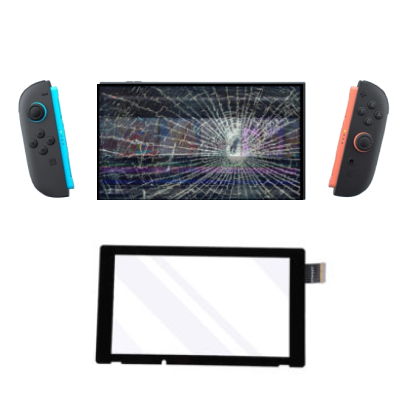
If your Switch 2 breaks, fixing it yourself won’t be easy. Teardown specialists like iFixit gave the console a repairability score of 3/10, citing several key problems, including glued-in components like the battery, Soldered parts like USB-C ports, tamper-evident stickers that make opening the console difficult, and lack of official replacement parts for do-it-yourself repairs.
In short, DIY repairs are not recommended. If your Switch 2 needs repair, your best option is going through Nintendo’s official channels or a professional repair shop.
The Switch 2 brings meaningful upgrades to the beloved hybrid console, but it’s not without growing pains. Still, none of these issues appear widespread enough to call the launch a failure. Most buyers are enjoying their new Switch 2 without any problems. But if you’re among the unlucky few, know that Nintendo and retailers are already offering solutions—and that being a bit cautious out of the box is always a good idea.
 What Switch 2 Buyers Can Do
If you’re planning to pick up a Switch 2 (or already have), here’s how to protect your investment:
- Inspect your box and console before leaving the store for any signs of damage, especially if buying from retailers.
- Test for common early issues, such as Joy-Con drift or rumble cutting out during gameplay.
- Stick to official accessories to avoid damage to ports or compatibility issues.
- Report any problems early – Nintendo and retailers are offering free replacements or repairs for many issues.
- Consider gaming console insurance for protection against accidental damage, theft, and other common mishaps that may occur down the road.
 Broken phone, laptop, or tablet? Let our technicians take a look!
Whether you dropped your phone, spilled water on your laptop, or your tablet just isn’t charging right, we’ve seen it all – and we’re here to help. Our repair services cover a wide range of devices, including smartphones, tablets, and laptops. With fast turnaround times, expert technicians, and affordable pricing, getting your device back up and running has never been easier. So, don’t wait – get a repair quote today!