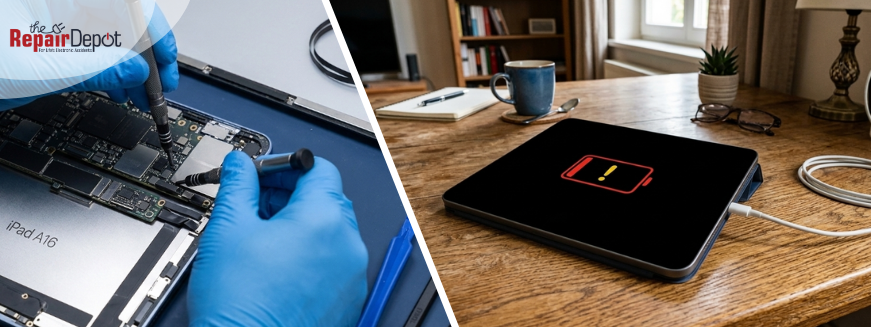
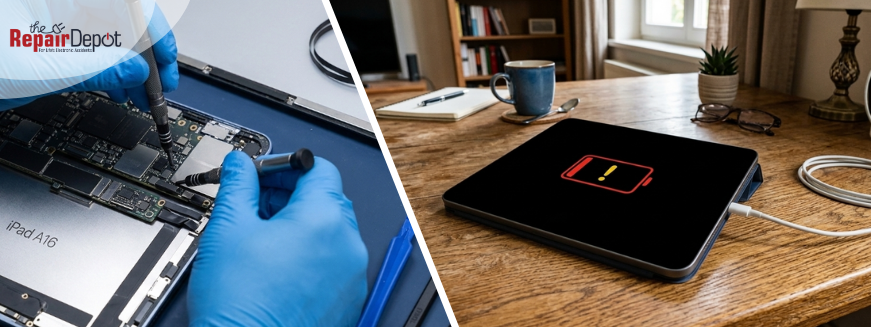
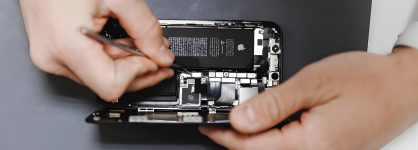
Your iPad is not charging, and you’re not sure why. Maybe it’s stuck on a black screen, says “Not Charging,” not recognizing the charger at all, or only charges at a certain angle. There are several common reasons why an iPad might not charge. It could be a faulty or damaged charging cable, a weak or incompatible power adapter, a blocked or dirty charging port, a completely drained battery, or a software issue. The good news is that most of these problems are easy to troubleshoot at home. Let’s go step by step.
1. Check Your Charging Cable and Adapter
If your iPad is not charging, start with the simplest fix.
What to do:
- Inspect the cable closely. Look for fraying, bends, or exposed wires near the ends.
- Try a different cable. Even if yours looks fine, internal damage isn’t always visible.
- Switch the wall adapter. Low-power or non-certified adapters can cause the “Not Charging” message.
- Plug directly into a wall outlet. Avoid charging through a laptop or low-power USB port.
If your iPad starts charging after switching accessories, the issue was the charger — not the device.
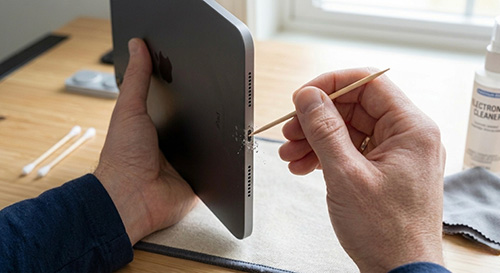 2. Check and Clean the Charging Port
If changing the cable didn’t work, the iPad charging port may be blocked by dust or dirt. This is very common if the device is kept in a bag, backpack, or desk.
How to clean it safely:
- Turn off your iPad.
- Use a flashlight to look inside the port.
- Gently remove debris with a wooden toothpick.
- Do not use metal objects or excessive force.
Be careful. If you’re unsure, it’s better to have a professional clean it. Also, if the cable feels loose or only works at an angle, the port may be damaged and require repair.
 3. Let the Battery Recover
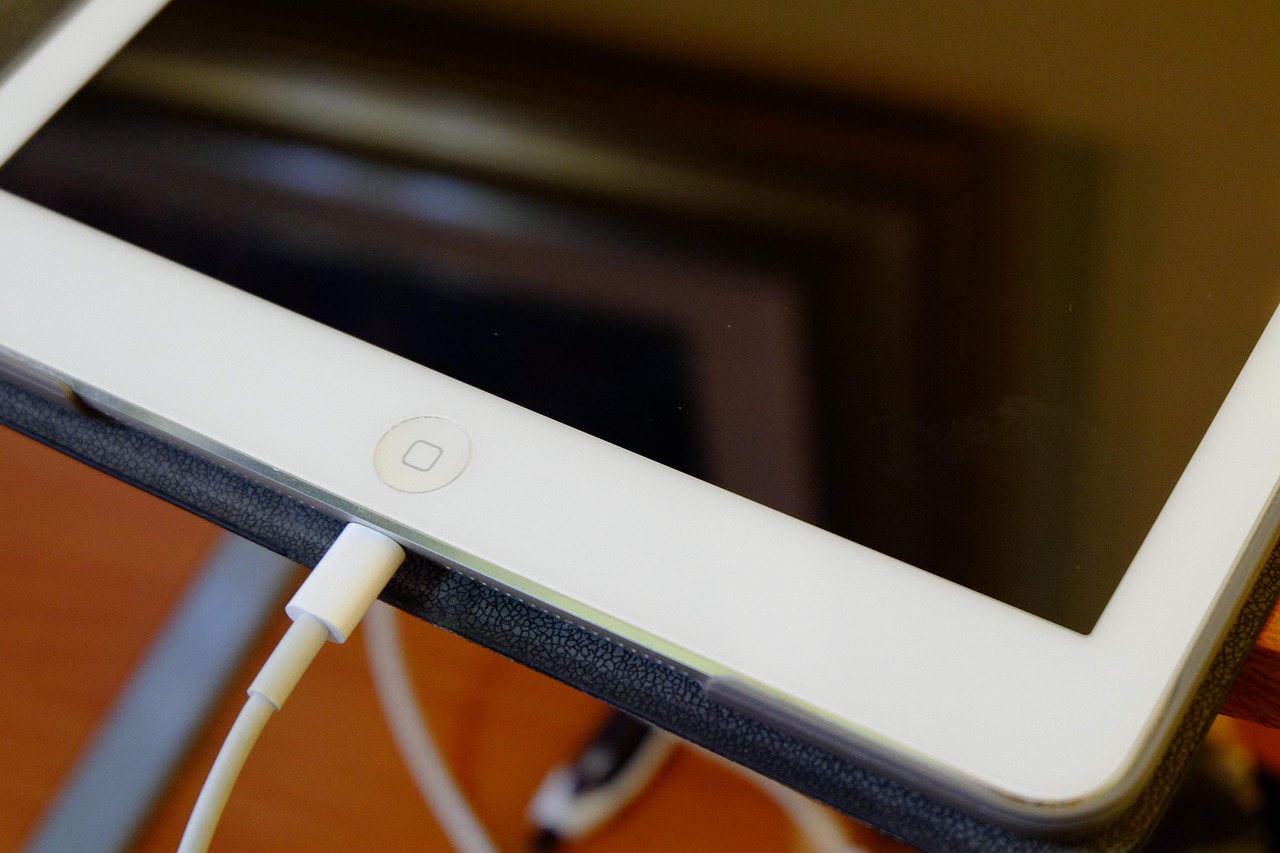
If your iPad battery is fully drained, it may not respond immediately.
Try this:
- Plug it into a wall outlet.
- Leave it charging for at least 30 minutes.
- Do not press buttons repeatedly.
- After 30 minutes, try turning it on.
A deeply drained battery can take time to show signs of life.
 4. Restart Your iPad
If your iPad says “Not Charging” but the cable works on other devices, a software glitch could be the problem.
A force restart can often fix this issue. Here’s how to do it.
If your iPad does not have a Home button:
- Quickly press and release the Volume Up button.
- Quickly press and release the Volume Down button.
- Press and hold the Top (Power) button until the Apple logo appears.
If your iPad has a Home button:
- Press and hold the Home and Top (or Side) buttons at the same time.
- Keep holding both buttons until you see the Apple logo.
- Release the buttons and allow the device to restart.
Once your iPad turns back on, plug it in again and check if it starts charging normally.
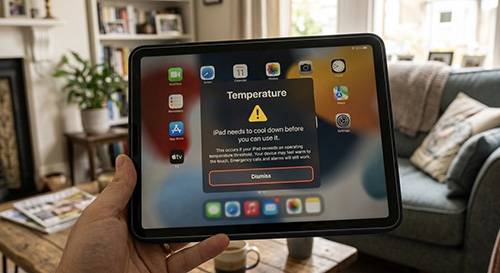 5. Check if Your iPad is Too Hot or Cold
Extreme heat or cold can stop your iPad from charging. If your iPad was left in a hot car or outside in cold weather, it may temporarily stop charging to protect the battery.
What to do:
- Move it to room temperature.
- Remove thick cases.
- Wait around 20 minutes before trying again.
Charging should usually resume once the device returns to a safe temperature.
If none of the above works, you may need a professional technician. The sooner you address the issue, the better — delaying repairs can lead to further damage and longer downtime.
How to Tell If Your iPad is Charging
If you’re wondering whether your iPad is charging, check the battery icon in the top-right corner of the screen. A lightning bolt symbol inside the battery icon means your iPad is charging. If the battery was completely drained, you may see a red battery icon or a charging screen after a few minutes. You can also confirm it’s charging if the battery percentage gradually increases while plugged in.
FAQs
Why is my iPad not charging even when plugged in?
The most common causes are a faulty cable, a blocked charging port, or battery issues.
Why does my iPad say “Not Charging”?
This message usually appears when you’re using a low-power adapter, a damaged cable, or charging through a weak USB port.
Why does my iPad only charge at a certain angle?
This usually indicates damage to the charging port or internal connector wear.
How much does it cost to fix an iPad charging port?
Costs vary depending on the model and damage, but charging port repairs are typically less expensive than full device replacement.
Can a dead iPad battery be replaced?
Yes. A technician can safely replace a worn-out battery and extend your iPad’s lifespan.
Get your iPad repaired quickly!
If your iPad only charges at a certain angle, has a loose charging port, or stopped charging after being dropped or exposed to liquid, professional repair is likely needed. The issue could be a worn-out battery, a damaged charging port, or internal component failure.
The Repair Depot has experience repairing iPad models of all kinds, from the latest iPad Air and iPad Pro to older models. Our expert team can quickly diagnose the problem and repair your iPad properly, so you can get back to using it the way it should be used. Get your free
iPad repair quote
today!