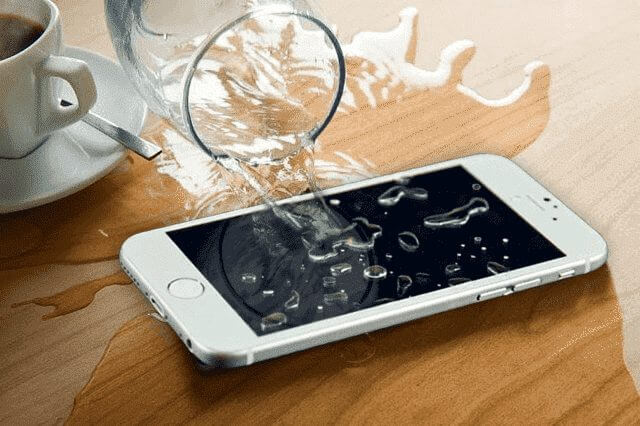
It happens in seconds – you’re reaching for your phone, and before you know it, splash. Maybe it slipped into the sink, the pool, or worse – the toilet. Whatever the case, a water-damaged phone can quickly turn panic into frustration. But don’t worry; you’re not the first person this has happened to, and there are simple steps you can take to improve your phone’s chances of survival.
We’ll guide you through what to do (and what not to do) if you drop your phone in water.
Act Fast When Your Phone Gets Wet
The sooner you act, the better your chances of saving your wet phone. Every second counts once it’s been exposed to water (especially salt or chlorinated water), so don’t just stare at your phone in shock – pick it up immediately.
Power off Your Wet Phone
If your phone is still on, shut it down right away. Keeping it powered on while water lingers inside can cause short circuits, which often lead to permanent damage. Don’t press any other buttons, just turn it off. If you’re phone is already off, leave it like that.
X
Broke your phone? Don't go broke fixing it.
Affordable Smartphone & iPhone Repair for Cracked Screens + more!
>
Remove SIM, SD Cards, and Accessories
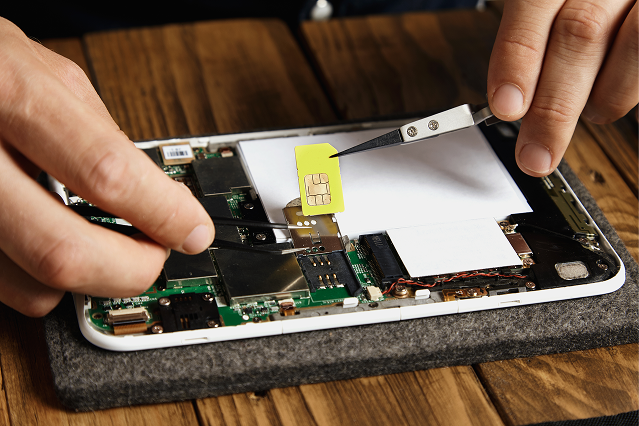
Take off the phone case, unplug any cables, and carefully remove the SIM card and SD card (if you have one). These small parts can trap moisture, and removing them also gives your phone more room to dry out. If your phone has a removable battery, remove it as well.
Dry Your Wet Phone without Using Heat
Tap your phone gently against your hand, but don’t shake it too aggressively, as that can push water further inside. You can also use a soft, absorbent cloth or paper towel to gently wipe out any visible water without rubbing. And resist the urge to grab a hair dryer or put your phone in the oven. Heat can damage internal components even more. Instead, leave your phone to air dry.
Skip the Rice Trick
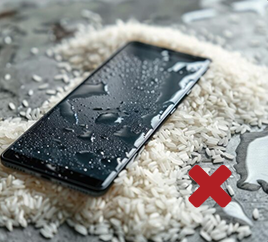
You’ve probably heard about sticking your wet phone in a bag of rice. The truth is that rice cannot save your waterlogged phone. Rice can absorb some surface moisture, but it won’t pull water out of tiny crevices inside your phone. That’s why phone manufacturers like Apple warn against putting your wet phone in rice. This can make things worse because small particles of rice can damage your phone.
Wait Before Turning Your Phone Back On
Patience is key here. As tempting as it is to check if your phone still works, turning it on too soon could fry the circuits. Give it at least a full day – preferably two – before trying to power it back up.
Get Professional Phone Repair for Water Damage
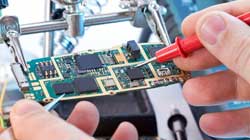
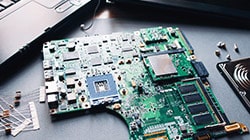
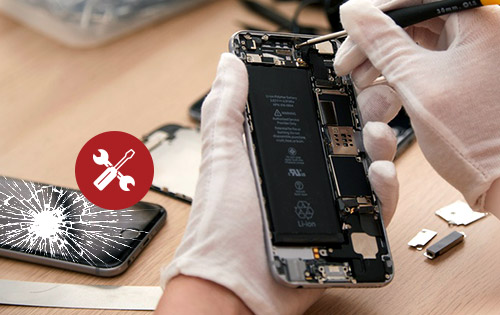
If your phone doesn’t turn on after drying out or if it does but shows glitches like distorted sound, poor screen quality, or battery issues, it still has water in it. In this case, it’s best to take it to a repair shop. A professional repair service can save your phone even when it seems hopeless.
Check if Your Phone Insurance or Extended Service Plan covers Water Damage
Before paying for repairs on your own, check your phone’s coverage (if you have one) and see what it covers. Standard warranties usually don’t cover liquid damage, but some extended service plans do. If you have phone insurance, spills and liquid submersion are typically covered, which can save you a lot of money. Contact your provider to see if you’re eligible for a repair or replacement at little cost.
FAQs about Dropped Phones and Water Damage
How to fix a water-damaged phone?
Take it out of the water immediately, switch it off, and remove the accessories. Gently wipe it, skip the rice and blow-drying, and let it dry. If issues remain, a repair shop can help.
Can a phone recover from water damage?
Yes, many phones can be fixed after being exposed to water if you act quickly and follow proper drying steps. The sooner you power it off and dry it, the better your chances.
Does putting phone in rice work?
Not really. Rice may absorb a little surface moisture, but it can’t soak up the water trapped inside your phone. This means it is not a reliable option for fixing waterlogged phones.
Can I use a hairdryer to dry my wet phone?
No. A hairdryer’s heat can damage your phone’s internal components and even push moisture deeper inside. It’s safer to let the phone air dry naturally.
How long should I wait before turning my wet phone back on?
You should wait at least 24–48 hours before turning your phone back on. Powering it on too soon could cause the internal components to short-circuit.
Should I take my water-damaged phone for repair?
If your phone won’t turn on or if it has issues after drying, a professional repair service can clean, repair, and restore it.
Did you try everything you could to save your wet phone, but it still won’t turn on or is acting strangely? Don’t give up just yet. The Repair Depot specializes in repairing iPhones and Android phones on many issues, including water damage. Our skilled technicians know exactly how to remove moisture, repair any affected parts, and get your phone working like new again. Time is critical when dealing with a water-damaged device, so don’t wait – get your free repair quote today!





 Get Professional Phone Repair for Water Damage